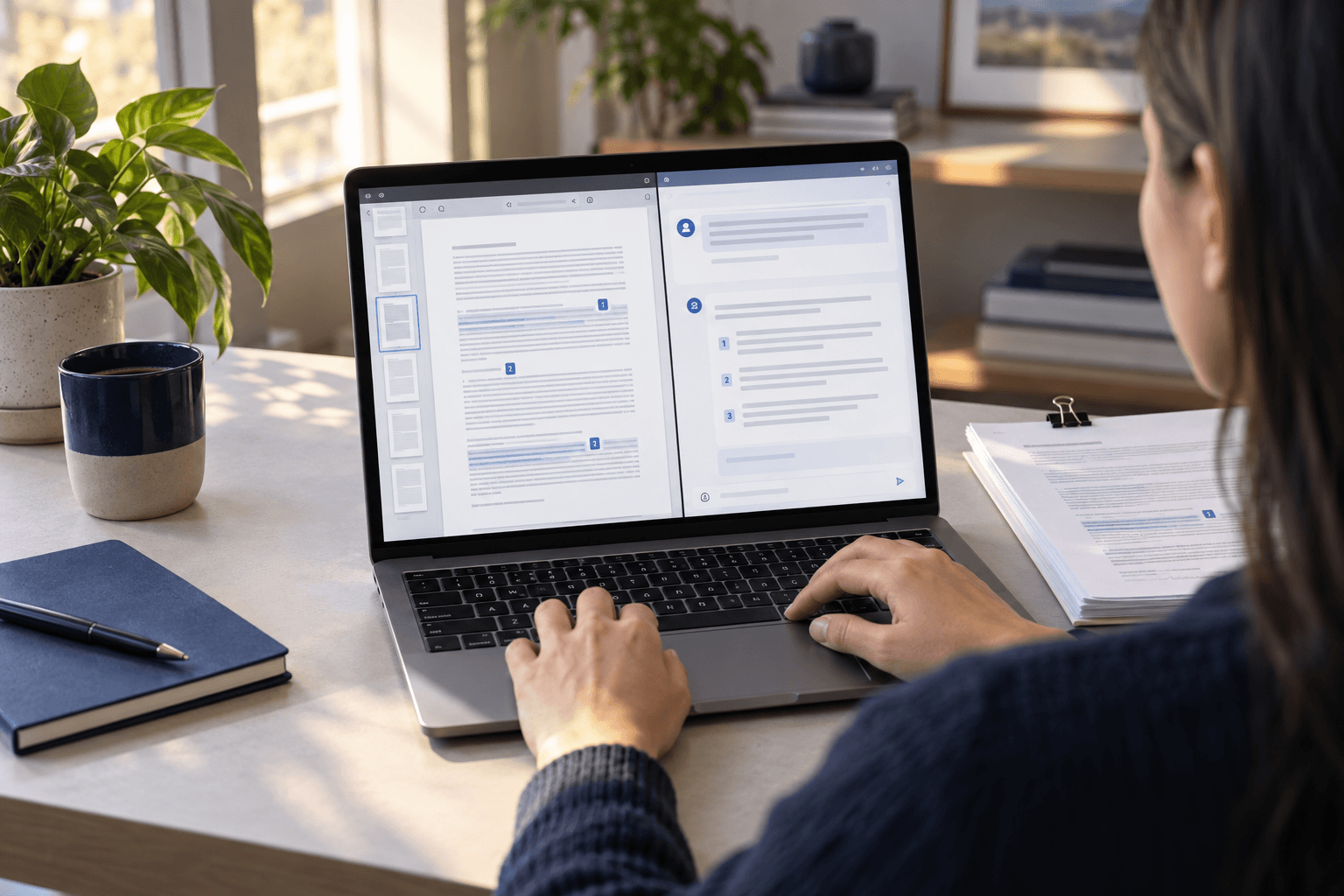
When a long contract or report makes it difficult to find the right clause, Chat PDF AI can answer natural-language questions and point back to relevant pages. The goal is not to replace a specialist. It is to shorten discovery and give you a verifiable starting point.
Quick answer
Upload a document to ChuyenFile Chat PDF AI, ask a focused question, and open the cited page to compare the answer with the source. Instead of asking only for a summary, specify your role, objective, scope, and desired output format.
Prompts for different roles
- Business owner: “List payment duties, deadlines, and penalties, with a page for each item.”
- HR manager: “Find clauses about probation, leave, and termination.”
- Researcher: “Summarize methods, data, limitations, and conclusions, citing each claim.”
- Procurement team: “Build a delivery checklist with milestones and responsible parties.”
A more reliable workflow
- Upload a clear PDF; for scans, make sure OCR can read the text.
- Define the chapter, page range, or topic.
- Ask the assistant to separate statements in the document from its own inference.
- Open every important citation and inspect the surrounding context.
- Have a qualified professional review legal, financial, or medical decisions.
Why page citations matter
A plausible answer can still omit an exception or condition in the next paragraph. Citations let readers return to the source, review context, and recognize when a question goes beyond the document. That makes the workflow auditable rather than merely convenient.
How to write a useful prompt
Use this structure: role + task + scope + output format + evidence requirement. Example: “Act as an operations assistant. For pages 12–30, create a table of obligation, owner, deadline, risk, and page. If a field is absent, write ‘not stated’.”
Important limitations
- Low-quality scans and complex tables can be misread.
- An answer reflects the uploaded document; it does not prove that the document itself is correct.
- Summaries omit detail, so source review remains essential.
- Automated output is not legal, financial, or medical advice.
Bottom line
Chat PDF works best with focused questions, explicit citation requests, and active source checking. ChuyenFile places the reader and the conversation side by side so users can combine speed with verification.